
Overview of all functions
This page provides a complete overview of all available functions (over 270) of the Phonalisa IP PBX. Please note that individual functions are only available in the Phonalisa Enterprise version. Details on the individual version models can be found in the price and version overview.
This way to the Phonalisa prices and versions
Fast access
The address book with UC functions
Automatic Configuration of End Devices (Provisioning)
The Phonalisa call diversion system
The SIP-Account Administration
The System Jobs and the Log Viewer
The basic functions
Toggle (change) between several call subscribers
Forwarding calls to internal and external numbers
Consultation before forwarding
Blind forwarding (without consultation)
Call waiting when telephone is busy (can be switched on and off)
Three-party conference directly controllable via telephone
Pickup of calls (targeted call pickup)
Central dropping area for unanswered or unassigned calls
CLIR (Number suppression)
The displayed phone number (ext/int) can be changed (Clip no screening)
DND (please do not disturb) can be switched on and off
Integrated Instant Messaging Server (for ex. Jabber)
Multilingual, comprehensive manual
Direct access to the manual section from all areas of the web interface
Videos of different modules (Youtube channel)
Mobile optimized view of dashboard and address books
Learn more about the basic functions…
The Phonalisa Dashboard
With call box for direct dialing of entered phone numbers
Store phone numbers directly in an address book
Display of the address book entry for a stored phone number
List of dialed, missed, received, forwarded calls for your own extension
List of calls from your own group
Play and download voice messages
Play and download call recordings
Memo function for calls, voice messages, faxes and call recordings
Sending faxes via your own user, group or system
Fax list (received, sent) with PDF preview and download link
Real-time colleagues monitor with presence functions
The Voice-Mailbox
- Access via web interface (with play button)
- Access by telephone (listen to and delete messages)
- Voice messages via e-mail attachment
- Display on telephone (depending on terminal device)
The address book with UC functions
Create any number of address books (version-related restriction)
Dial, Fax, Mail from Address Book
Enter/edit/delete/search data
Setting a contact type (system selection or customizable)
Setting a ringtone for the contact (private address book only)
Last contact (history) for each individual address book entry
Display of source (who saved the contact) e.g. CSV, system, user
Resolution Phone number against name
Clickable links to various social media profiles and web addresses
There are 3 types of Address Books: Private Address Books, Group Address Books, Internal address book
Copying address data from one address book to another
Moving address data from one address book to another
CSV Import/Export with any amount of data
Integrated Xing-Import to use contacts from the Xing network in Phonalisa
Integrated iCloud-Import
Distribution of write and read rights per group definable
Screencast: Address books of the Phonalisa IP telephone system
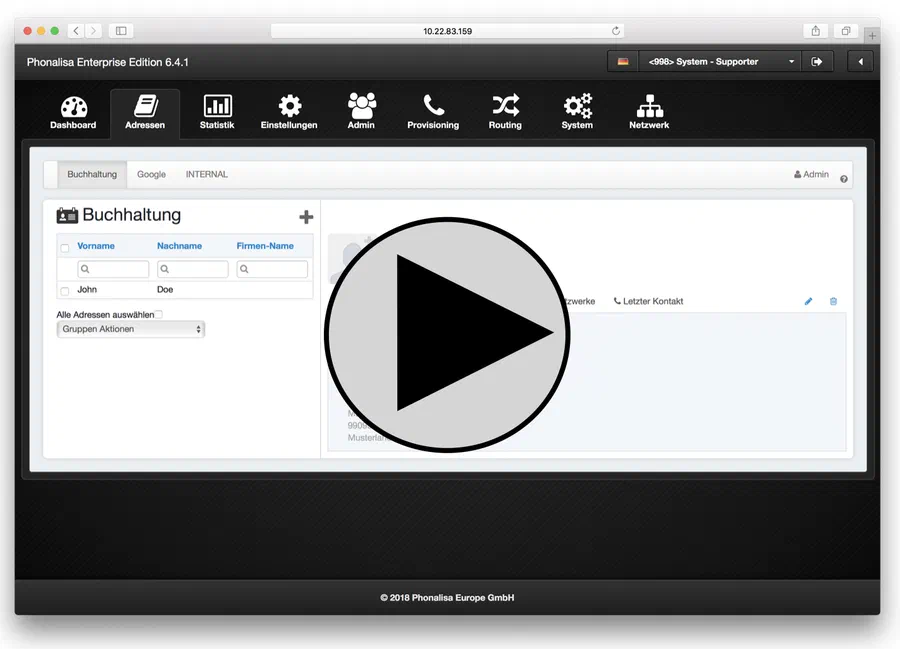 Watch video (YouTube)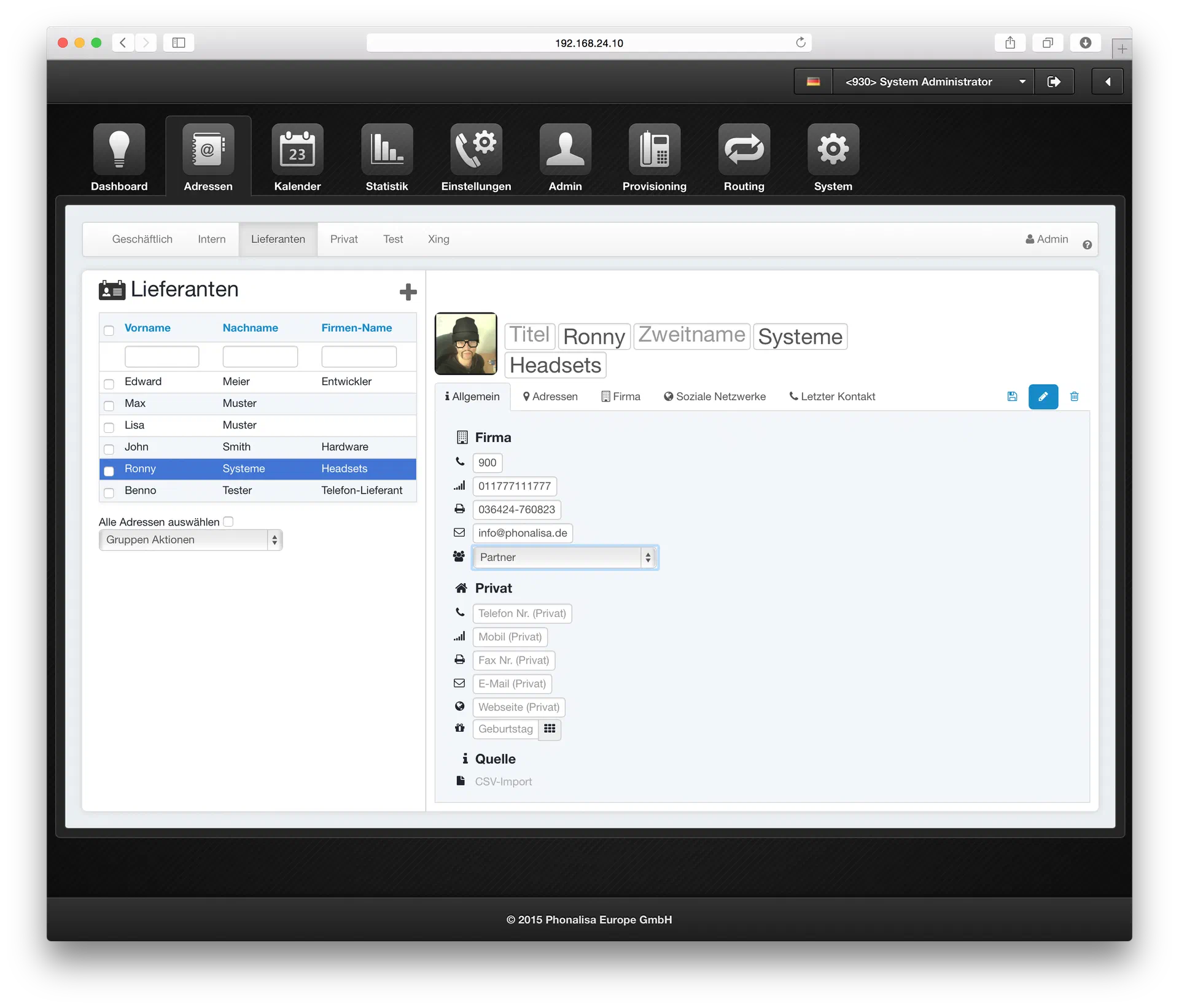
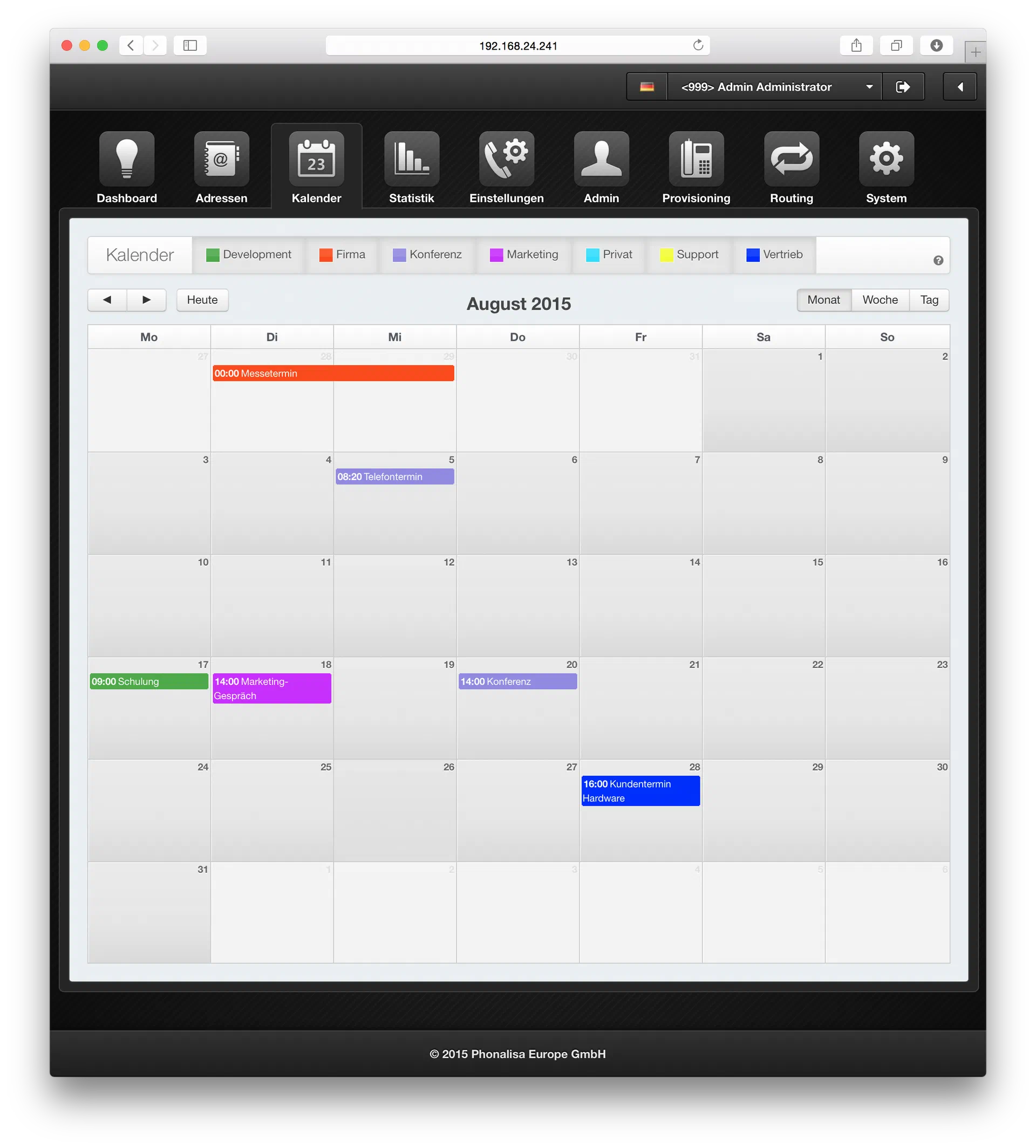
The Calendar
- There is the daily, weekly and monthly view of the calendar.
- You can set an appointment category (system selection or user-definable), for example Conference, meeting, vacation,…
- Private calendar for managing your own appointments (only visible to your own user)
- Group calendar for the administration of group appointments (visible to all users of the group)
- Distribution of write and read rights per group definable
The statistics
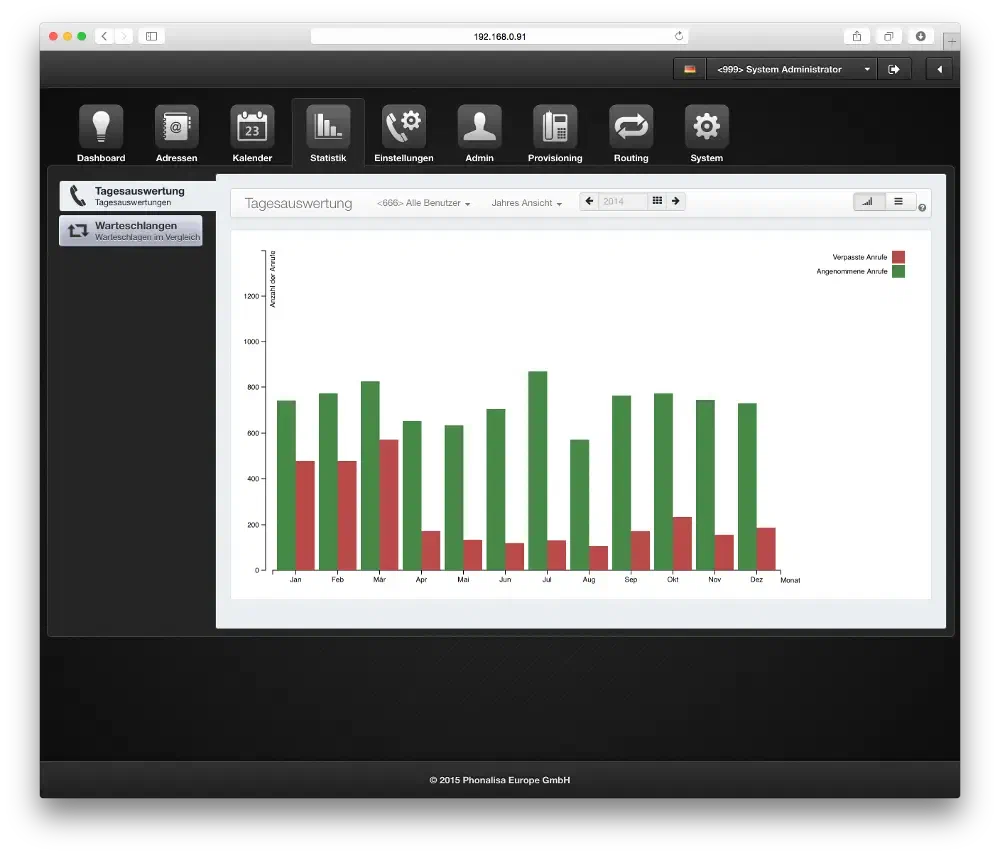
- You get a daily evaluation of queue-phone calls
- You can evaluate the statistics per day, week, month or year.
- The missed and accepted calls are marked in color accordingly
- The display of the statistics offers various display formats
- The queue statistics can be displayed by comparing all available queues: Answered/ missed calls, timeout, empty (no agents logged in)
My phones
- Display of own telephones (several telephones per user possible)
- You can log on and off your phones via the web interface
- Overview of queues in which you are Agent yourself
- Real-time login and logout in the queues
Screencast: Registering the phone and logging/unregistering the user
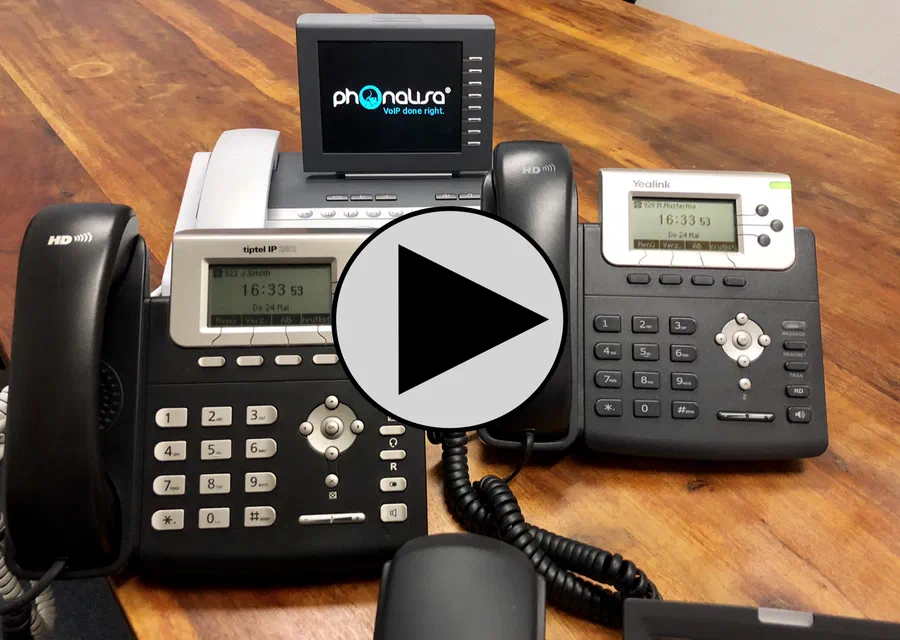 Watch video (YouTube)
Automatic Configuration of End Devices (Provisioning)
- Supported devices:
Siemens Openstage (15-80), Tiptel IP (280-286),
Yealink (T22P-T48G)
Snom (300-870),
Ergophone (Clinic telephones, only in the Phonalisa Medical Version) - Key configuration via web interface
- Hot-Desking (Log in/log out on the phone)
- Network scanner to automatically register telephones on the system
- Automatic firmware updates
- Parameter profiles for all supported devices
- Key profiles (allocation via group system)
- Parameter and key profiles for logged off telephones
- Server-supported central address books
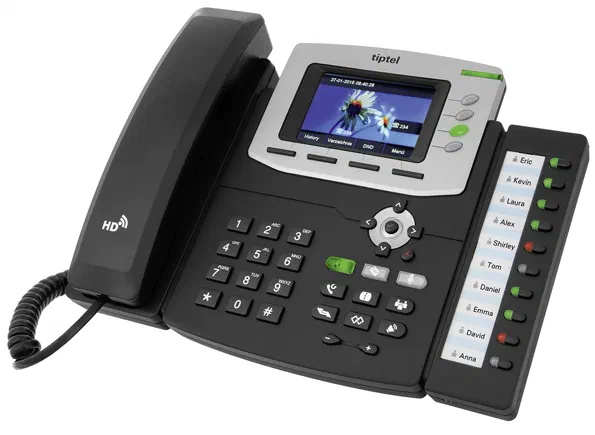
- Button functions BLF, One-touch dialling, forwarding, toggling,DND (please do not disturb), etc. (depending on terminal device)
Screencast: Automatic firmware deployment for end devices
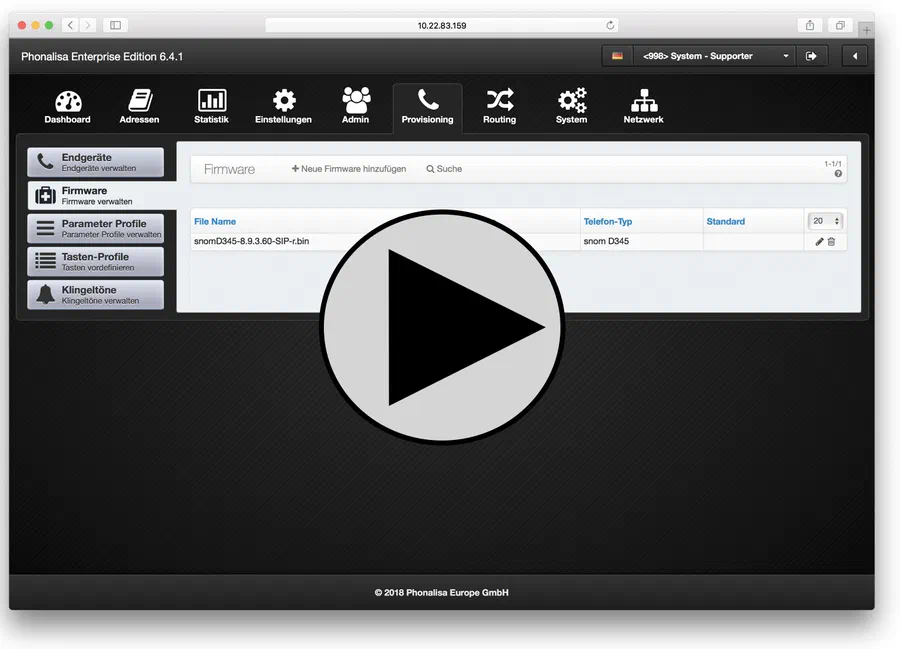 Watch video (YouTube)
Screencast: Manual setup of a SIP softphone
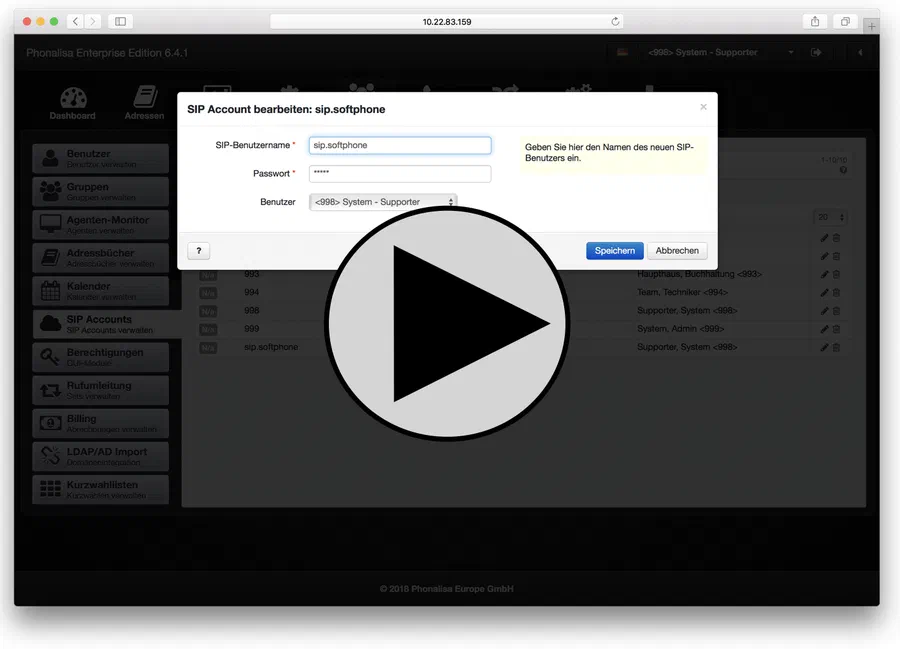 Watch video (YouTube)
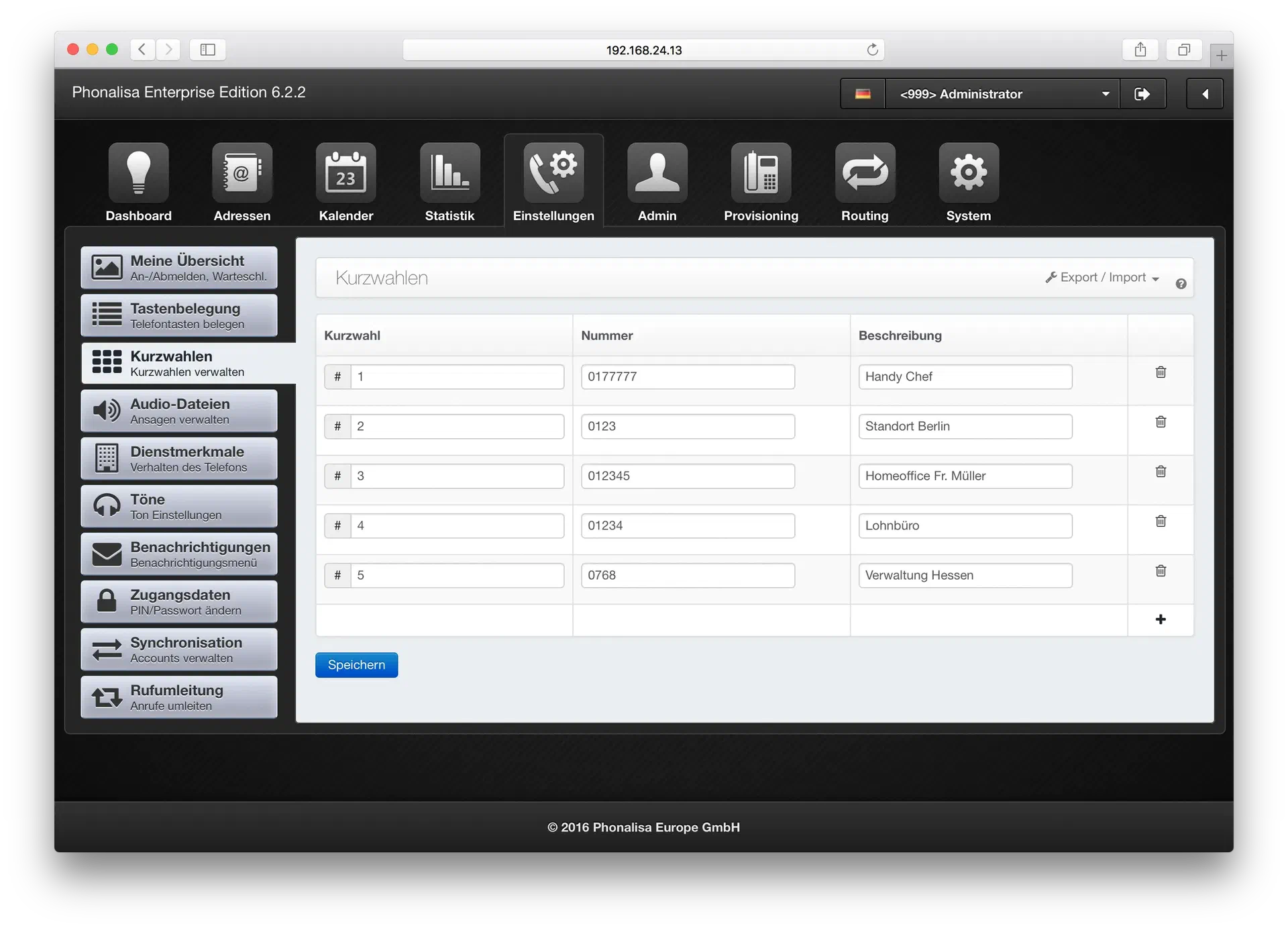
The speed dial keys
- The prefix for the speed dial keys is customizable (e.g. # or *).
- Any number of speed dial keys can be defined (depending on license).
- Import of speed dial keys (e.g. from an Excel spreadsheet)
- Export of speed dial keys (e.g. to import them into a Phonalisa at another location)
- PDF export of speed-dial lists for printing for each employee
The audio files
- Separation between user audio files and system audio files
- Upload your own audio files (wav format)
- Recording announcements by telephone
- Download saved announcements
- Define use cases for the system greetings,
(e.g. for call forwarding, voice menu, conference,…) for a better overview
The ringtones and more
- Differentiation between internal/external calls
- Upload of audio files possible (mP3)
- The key tones can be activated and deactivated
- Individual ringtones for calls from a queue
- Individual volume settings for Snom and Tiptel devices
The notifications
- E-mail notification when receiving faxes
- E-mail notification when voice message is received
- Original voicemail can be deleted after sending the e-mail
- E-mail notification of a missed external call
- E-mail notification when a SIP account is offline
The access data
- DThe password and the Pin are arbitrarily changeable
- Beim Vergessen der Logindaten wird per E-Mail ein Link zum Wiederherstellen versendet
The Phonalisa call diversion system
Any number of call forwarding scenarios per user can be defined
Forwarding by phone status: busy, logged off, no answer after x seconds
Forwarding by contact type from address book
Forwarding to call source: internal/external
Forwarding according to presence status in Instant Messenger: online, offline, busy, logged off
Forwarding according to different time profiles (configurable in the system settings)
Call forwarding by night circuit
Forward immediately: to AB, phone number, announcement
Forwarding destinations can be defined per rule (destinations: external/internal call number, AB, announcement)
Announcement texts (for AB and announcement) can be recorded on the telephone itself
Activation also possible via key on the telephone
Differentiation between private and system call forwarding
The user administration
Create, edit, delete, search for users
Import/Export of users via CSV
Assigning Users to a Group and Queues
Executive-secretary circuit (any number of secretaries per executive)
Configuration of external call number for Call-Through
Language, time zone, time format, date format configurable per user
Announcement before report internal/external (individual announcement selectable)
Fax header text and fax header phone number per user configurable
Central drop point for calls to your own extension
ZRTP encryption for calls to your own extension
Own key profile can be set for each user
Own parameter profile can be set per user
You can turn users into system administrators
Screencast: The Call-Through Function
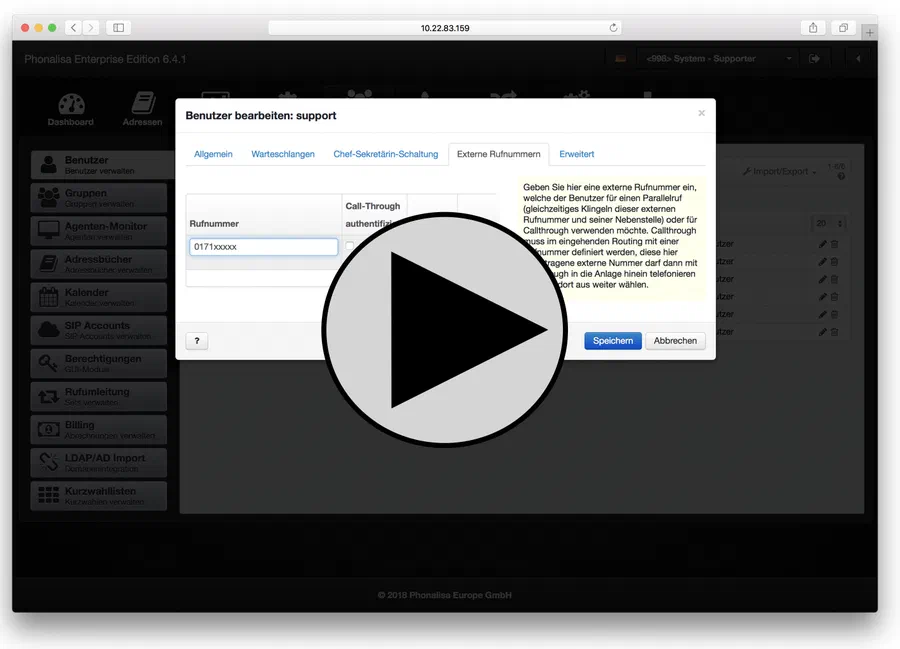 Watch video (YouTube)
More about the Phonalisa user administration…
Screencast: The user system
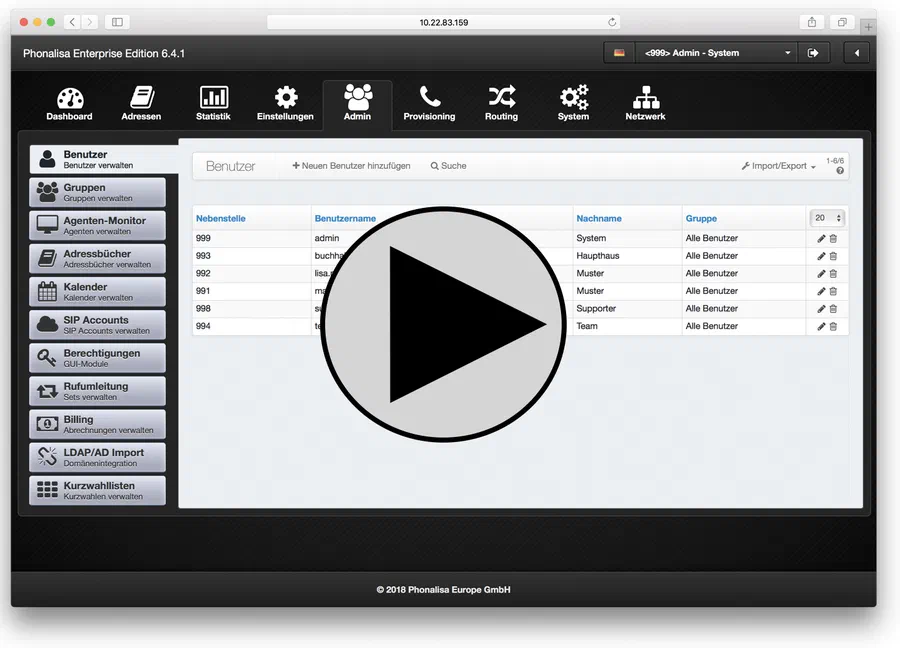 Watch video (YouTube)
The Group administration
Create, edit, delete groups
Setting a phone number for a group
Individual hold music playlist per group selectable
Forwarding in case of timeout to destination: user, group, IVR , queue, call group
Forward when busy to destination: User, Group, IVR , Queue, Call Group
Night answer – Night cicuit forwarding to destination: User, Group, IVR , Queue, Call group
Night circuit Function
Add/Remove User to Group
Sudo function: users can make themselves other users of the groups
Monitor function: display the presence monitor of the group members (for telephone and chat status)
Pickup function: pick up calls from other group members
Statistics function: Call evaluation of groups
Intercom function: make announcements to the telephones of other group members
Listening function: Dial into conversations with colleagues for training purposes
The functions (Sudo, Monitor, Pick-Up, Statistics, Intercom and Listening) are applicable to the own group and to the members of the other groups.
Access authorization to the statistics of individual or all queues selectable
Access authorization to the agent monitor of individual or all queues selectable
Address books: distribute read/write authorization and CSV import authorization in each case
Calendar: Distribute write and read authorizations in each case
The system call forwarding rules can be activated for each group.
One parameter profile per group selectable
One key profile per group selectable
Lock list (incoming / outgoing calls) selectable
The fax header text and the fax header phone number are adjustable per group
Installation of a central drop-off point for group calls
Billing system for calls (e.g. for hotel guests or clinic patients)
“Inheritance function” from parent to child groups
Ring delay per „Drag&Drop“ customizable (when the phones of the respective group members ring)
Screencast: The Group administration
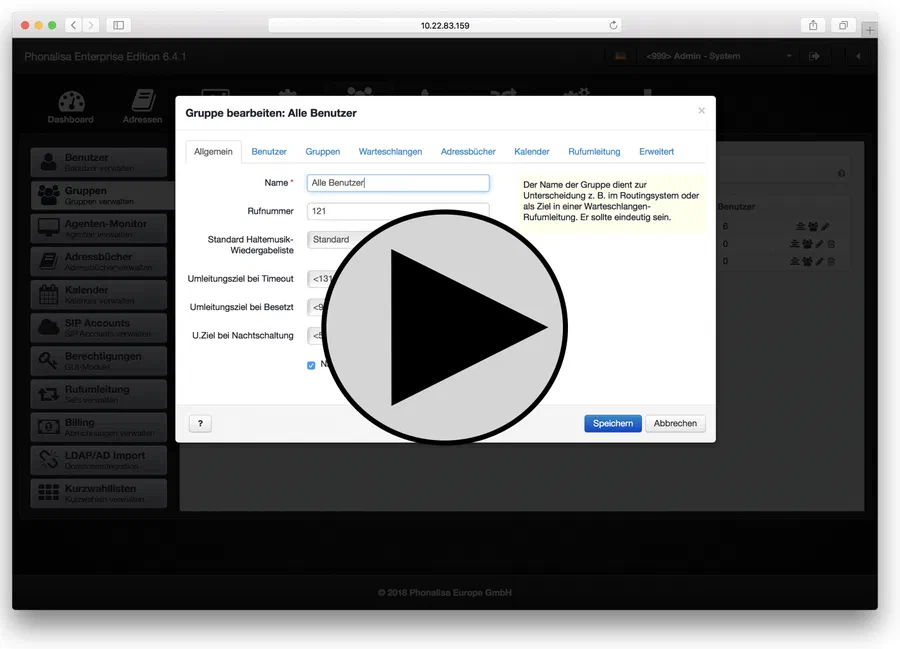 Watch video (YouTube)
More about the Phonalisa Group administration…
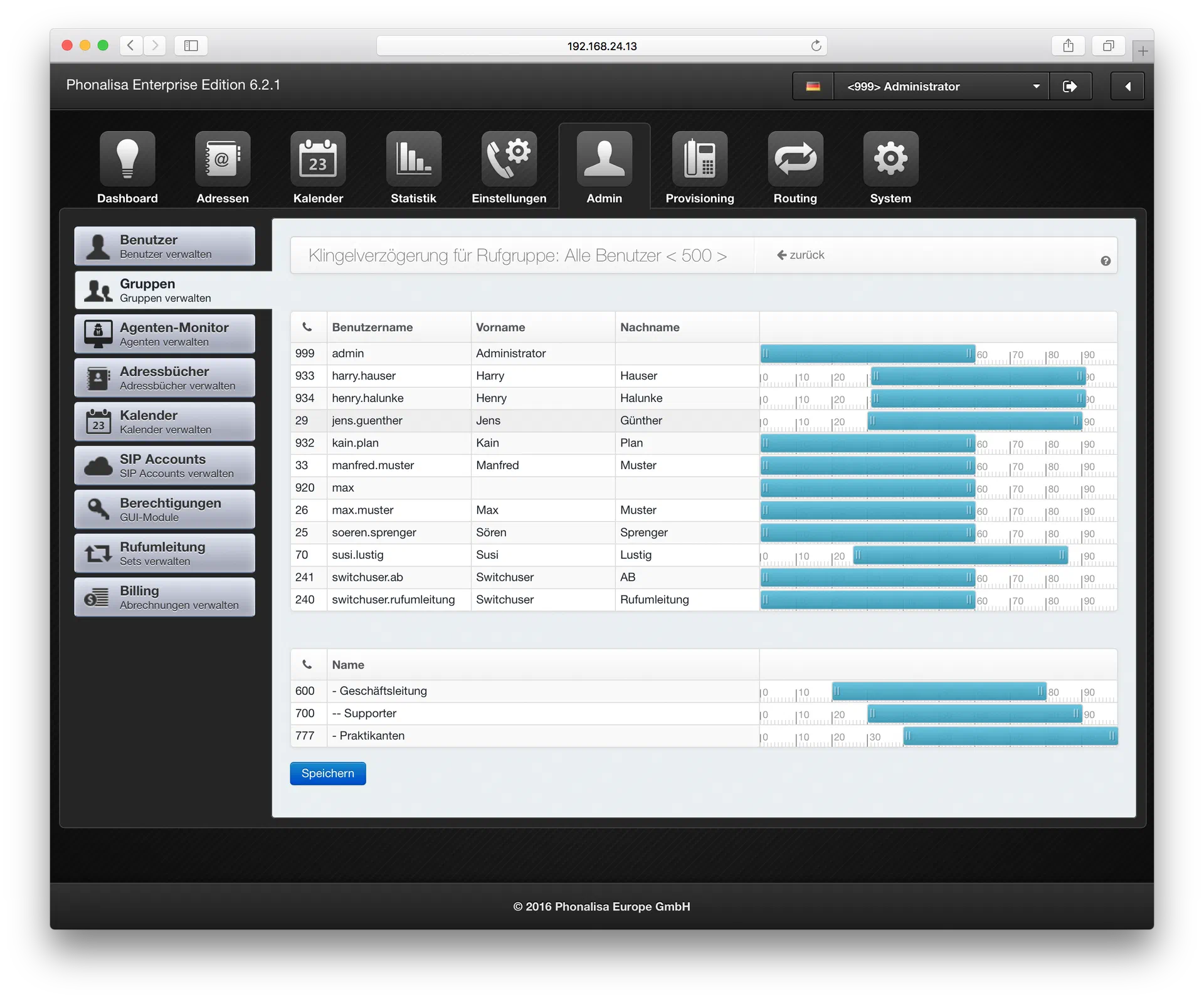
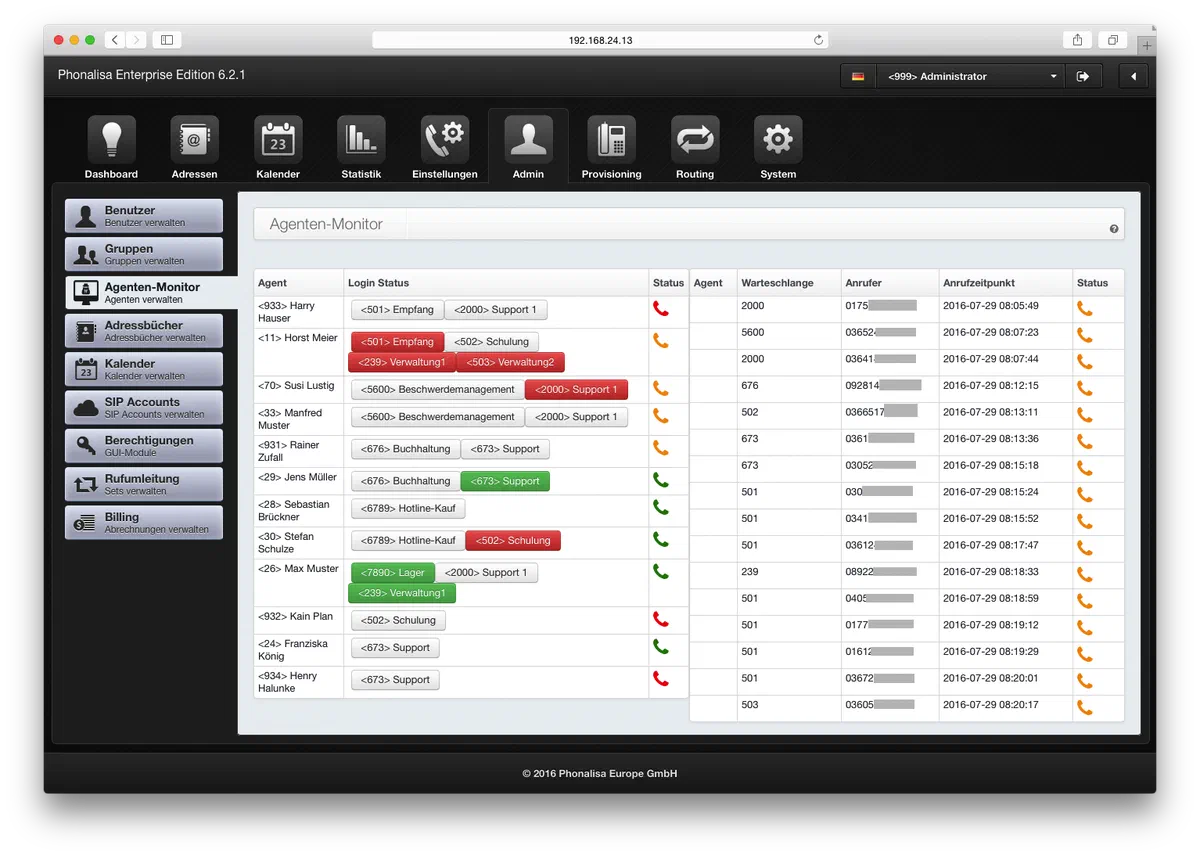
The Agent Monitor
- In the agent monitor you have an overview of all available agents from the queues
- You can subsequently log in and out of agents that are not permanently logged in
- You will see a call list of all incoming calls to the queues
- You can drag and drop calls to agents – they will be answered immediately
- The status of the agents is in real-time and changes to “Ringing”, “Free”, “Busy” or “Offline”
The SIP-Account Administration
- Create, delete, edit, search SIP accounts
- Create any number of SIP accounts (license dependent)
- Users can have multiple SIP accounts
The access permissions
- Assign permissions for the GUI module access rights to the groups. This allows you to restrict certain groups
The Music on Hold Management
- The number of playback lists is unlimited
- The number of tracks in a playback list is unlimited (wav format)
- Assignment in conference rooms or queues, etc.
The Blacklists
- Create any number of blacklists
- Entering phone numbers or patterns
- Assignment in the gateway directly or in the group system
The System Call Forwardings
- Any number of system call forwarding scenarios can be set
- System call forwarding may be used by group members (saves a lot of configuration time)
- Same range of functions as for user call forwarding
The accounting system
- Create any number of price lists, e.g. for mobile phone connections, international calls,…
- One credit per extension can be set
- Proof of connection (invoice) as PDF document
- Query the remaining balance by key combination
The Phonalisa Routing System
Create any number of gateways
Block lists for gateways for incoming and outgoing calls
Set maximum number of simultaneous calls
SIP expert settings: e.g. proxy settings, use SIP over TCP,…
Input of an outside line access
Outgoing Routing: Users or Groups May Trigger Calls
- Input pattern (Pattern)
- Gateway selection (Failover Gateways)
- Setting a time profile
- Editing a Sent Phone Number
- LCR prefix can be set
- Outgoing routing rules can be moved using “Drag&Drop“
Inbound routing: destination selection (user, group, IVR, call group, conference room, queue, fax user, manual entry, Call-Through)
Screencast: The Gateway and Routing System
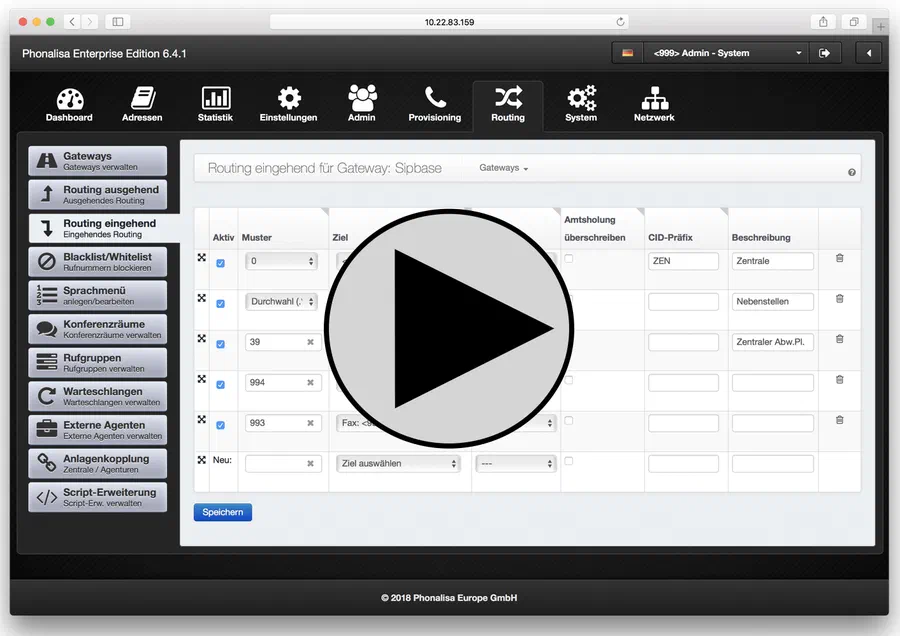 Watch video (YouTube)
The voice menu
- Single-level/multi-level key-controlled voice menus
- Convenient creation via graphical editor
- Forward in case of no and wrong input
- Forward to DOWN, to phone number (user, group, IVR, call group, conference room, manual entry)
- Different actions per key can be defined: Repeat greeting, call destination, DOWN, hang up
Screencast: The voice menu
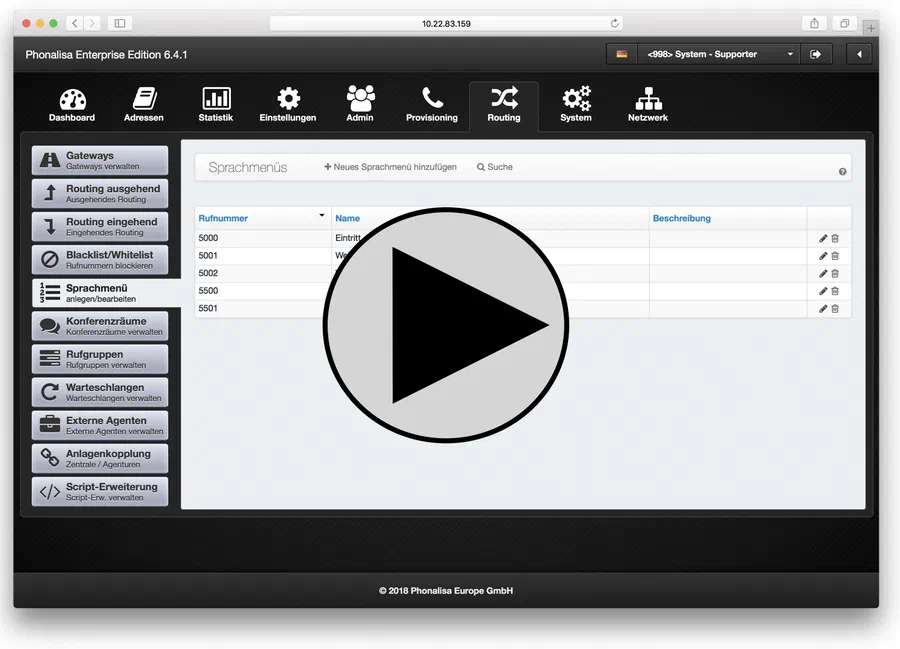 Watch video (YouTube)
The conference management
- Access protected by PIN entry
- Any number of moderators per conference
- Moderator can be called automatically when the conference is opened
- Setting an announcement when entering the conference room
- Participants can speak their name when entering the event
- Individual music on hold per conference room
- Selection from various music on-hold playlists
The connection datas
- Listing by time/date
- Listing of source, destination, type (no response, busy, forwarded, error), duration, on extension
- Detailed call log per entry
- CSV export (1/2/7/14/30/365 days) complete or from a searched source, destination or type
The Queue Management
- The number of queues is not limited (Enterprise Version)
- For each queue an optional CID-prefix for display on the agent phones
- Individual music on-hold playlists can be selected per loop
- Optional greeting per queue before entry
- Call distribution according to different strategies: Descending, Round-Robin, all rings,…
- Redirection of calls at Timeout[(glossary] to different destinations: e.g. user, AB of a user (with selection of greeting), group, [glossary]IVR, queue, call group, manual destination
- Redirect calls if no agents are logged in to different destinations: User, AB of a user (with greeting selection), Group, IVR, Queue, Call group, Manual destination
- The number of agents per queue is not limited
- Administrators can login the agents permanently or leave it to them to login
- The agents can be assigned to a level and a position
- You can use any number of levels per queue for call distribution.
Learn more about the Phonalisa queues…
- You can use as many positions per level per queue as you like to achieve an optimal call distribution
- The ring time can be defined per agent (in seconds)
- The time-based score can be set according to the system or queue
- The time a caller waits in a level is adjustable per level in seconds.
- Callers can wait in any level
- The callers can wait if no agents are logged in.
- The position of the caller can be discarded after x seconds – or –
- The caller position can be noted by the system.
- The maximum waiting time that a caller spends in a queue is defined per loop in seconds adjustable
- The maximum waiting time if no agent is logged on or no agent is reachable is per Loop adjustable in seconds
- Sie können externe Agenten den Warteschlangen zuordnen (inkl. Level, Position und Klingelzeit)
- You can book mobile devices in queues.
The call groups
Number of call groups not limited (depending on license)
Number of agents in a call group not limited
Individual music on hold selectable
Forwarding at Timeout to destination: User, Group, IVR , Queue, Call Group, Manual Destination
Forward on Busy to destination: User, Group, IVR , Queue, Call group, Manual destination
Forwarding at Night answer to destination: User, Group, IVR , Queue, Call group, manual destination
Day – Night switching function
Maximum waiting time of the caller until timeout adjustable
Standard bell duration per agent adjustable
Ring delay adjustable via “Drag&Drop” (when do the phones of the respective agents ring)
Learn more about the call groups…
The plant coupling
- The number of external assets is unlimited
- Setting a prefix for internal telephony (cross-plant)
The Script-Extension
- Extend Phonalisa with your own Java-Script-Code
- Use e.g. by users, groups, voice menus, queues,…
The System Settings
Own name of the Phonalisa plant can be defined (e.g. “Location Berlin”)
Selection of time zone, date and time format, selection of system language
Individual naming scheme can be set (for uniform presentation in all modules)
Standard pin configurable for new users
Default password configurable for new users
Integrated Translation Mode (Developer System only)
Selection of the UI Theme (different color designs to choose from)
Requesting the PIN when listening to the voice mailbox
Requesting the PIN when logging in a telephone
Overview Feature Codes e.g. for Pickup, Spy Function,…
System standard for music on hold playlist setable
Individual plant compound prefix can be set
Automatic outside line access can be set when dialing via the web interface
General ringer timeout (in seconds) can be set
Maximum recording length can be set for voice messages
Central drop point for all calls of the telephone system
Provisioning values: protocol, host, port, path SIP host, NTP host adjustable
Different log levels adjustable
Messaging Settings: XMPP/Jabber Domain, SMTP Server Settings, Basic Settings
Send welcome e-mail to new users (incl. login data)
Fax header text and fax header phone number can be set
Proxy-Individually adjustable settings
SIP-Individually adjustable settings
RTP-Individually adjustable settings
The Time Profiles
- The number of time profiles is unlimited
- Setting date rules
- Set weekly rules
- Use in routing e.g. for calls outside business hours
- Use in the call diversion system, e.g. for diverting calls during the holiday period
Screencast: The Time Profiles
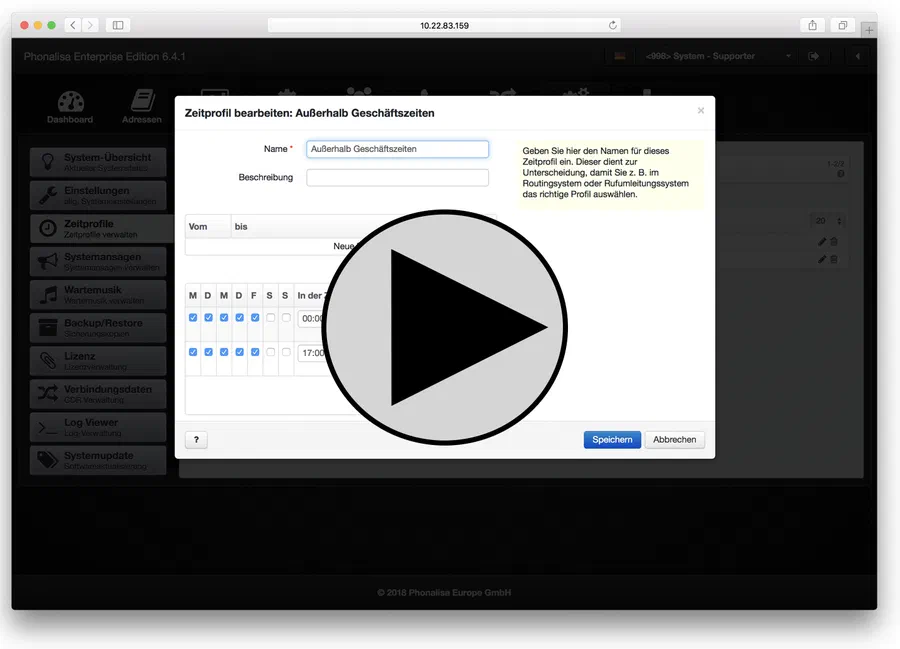 Watch video (YouTube)
The Backup/Restore Function
- Create and download a backup file
- Upload new backup
- Automatic backups with stored time interval
- Archiving period of automatically created backups can be defined in days
- Reset system to factory setting (factory reset)
The license management
- Overview of the stored license information
- Insight into the sources of the OpenSource code
- New license keys can be entered or uploaded directly
The system jobs and the log viewer
- Overview of currently running processes (e.g. triggered provisioning of individual end devices)
- Troubleshooting to debug the system
Missing an important function?